Welcome to PulsarSA documentation!
Welcome to PulsarSA! This guide provides all the information you need to install and run the pulsarsa Python package. For a quick start, we recommend beginning with the Getting Started page, followed by the Examples page. For more in-depth usage, please refer to the example notebooks in the examples folder. Documentation related to the source code can be found on the Modules page.
Below is a simple diagram of PulsarSA functionalities:
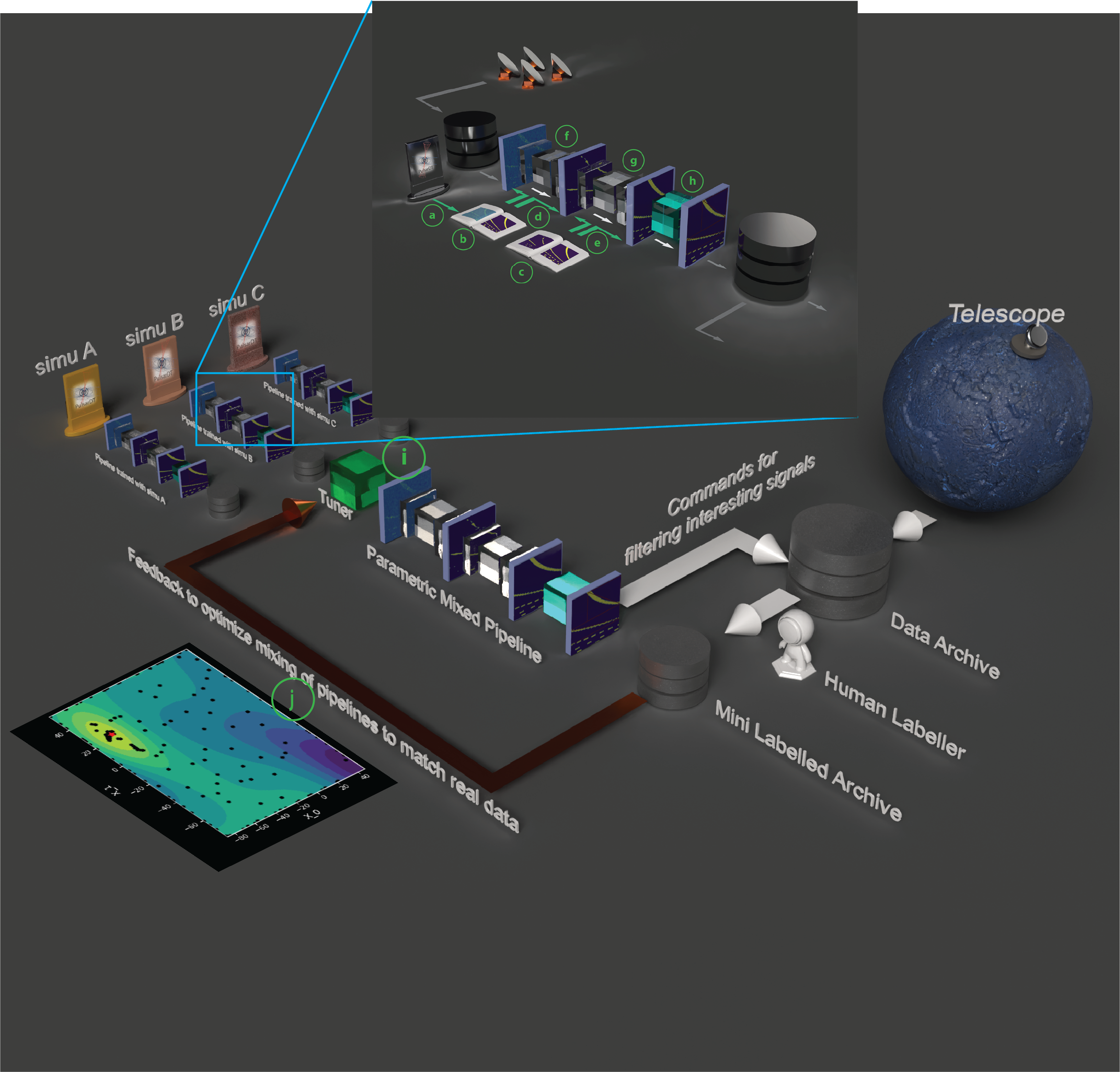
Here are the list of modules used to perform different steps in the pipeline:
Loaders: Data loaders and converters (a) from PulsarDT payload files
Datasets: Data sets for training, testing, and visualization (b), (c)
Trainers: Trainer modules (d), (e) to train CNNs (f) and (g) for segmentation and filtering
Labellers: Legacy vision tools (h) to label segments into different signal source types (Pulsar, NBRFI, BBRFI)
Optimizers: Optimizers (j) to find the best model parameters mix using the Tuner (i) to match the real world data
Contents
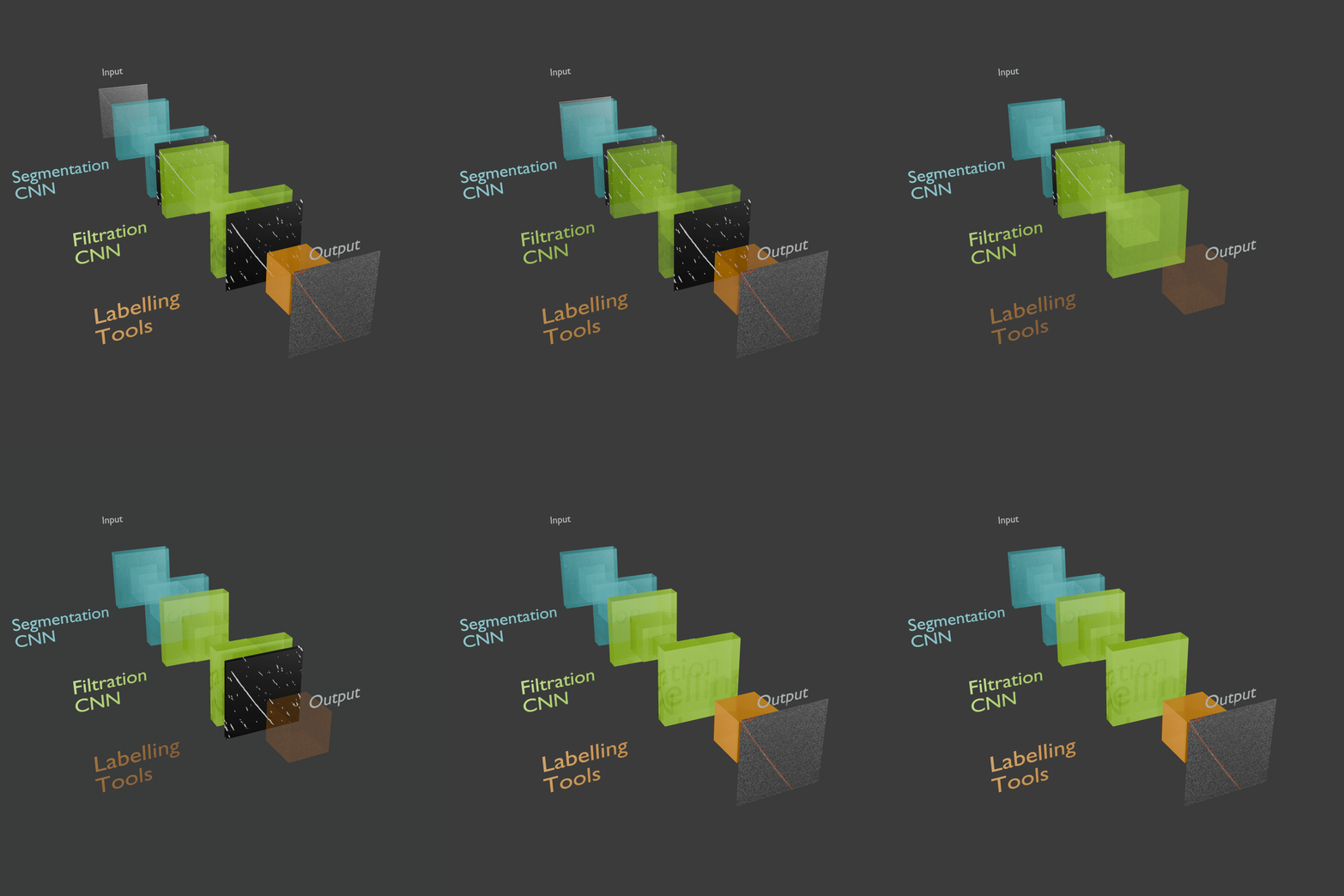
Learn how to install and use the library.
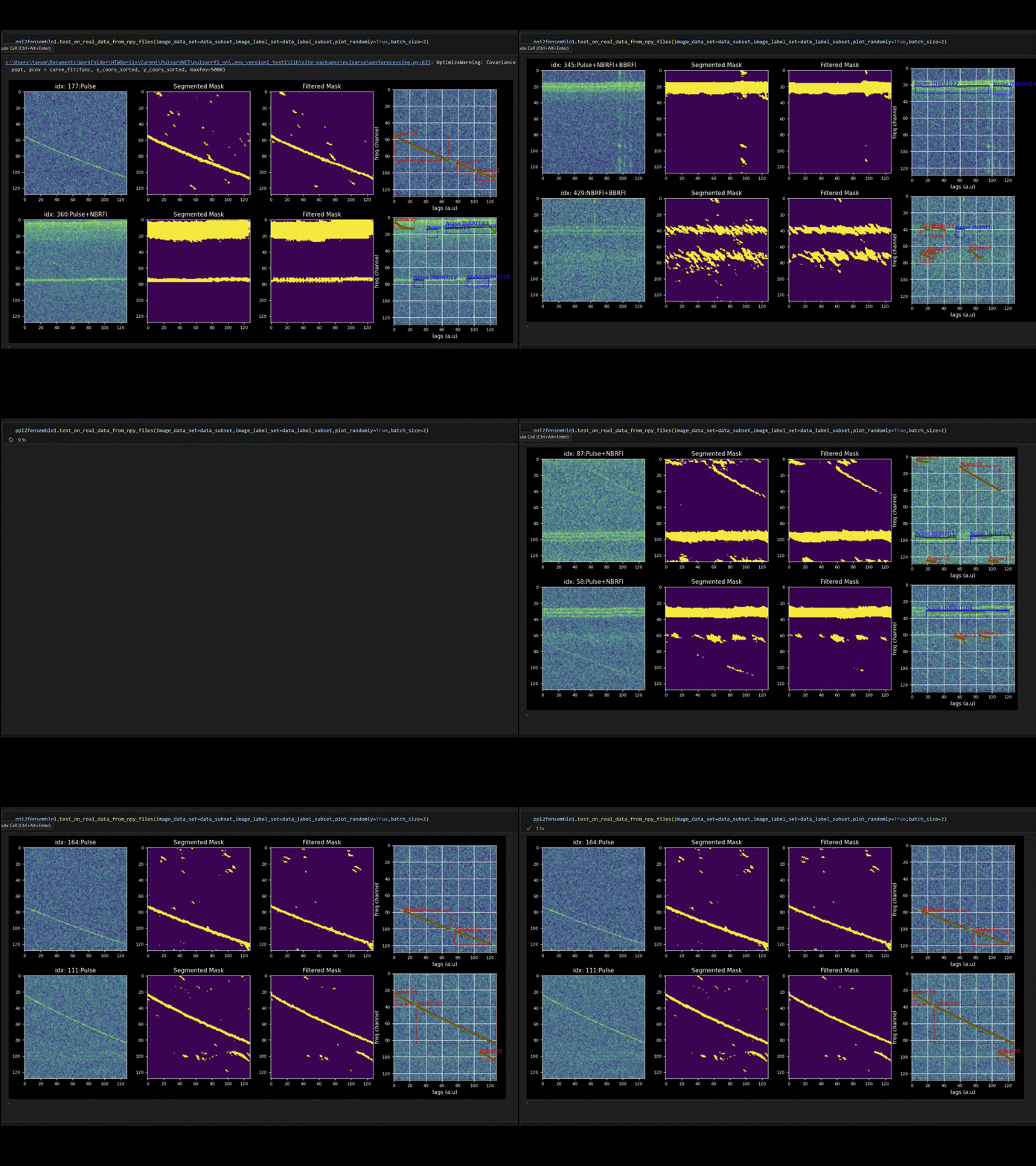
See real-world examples and demos.
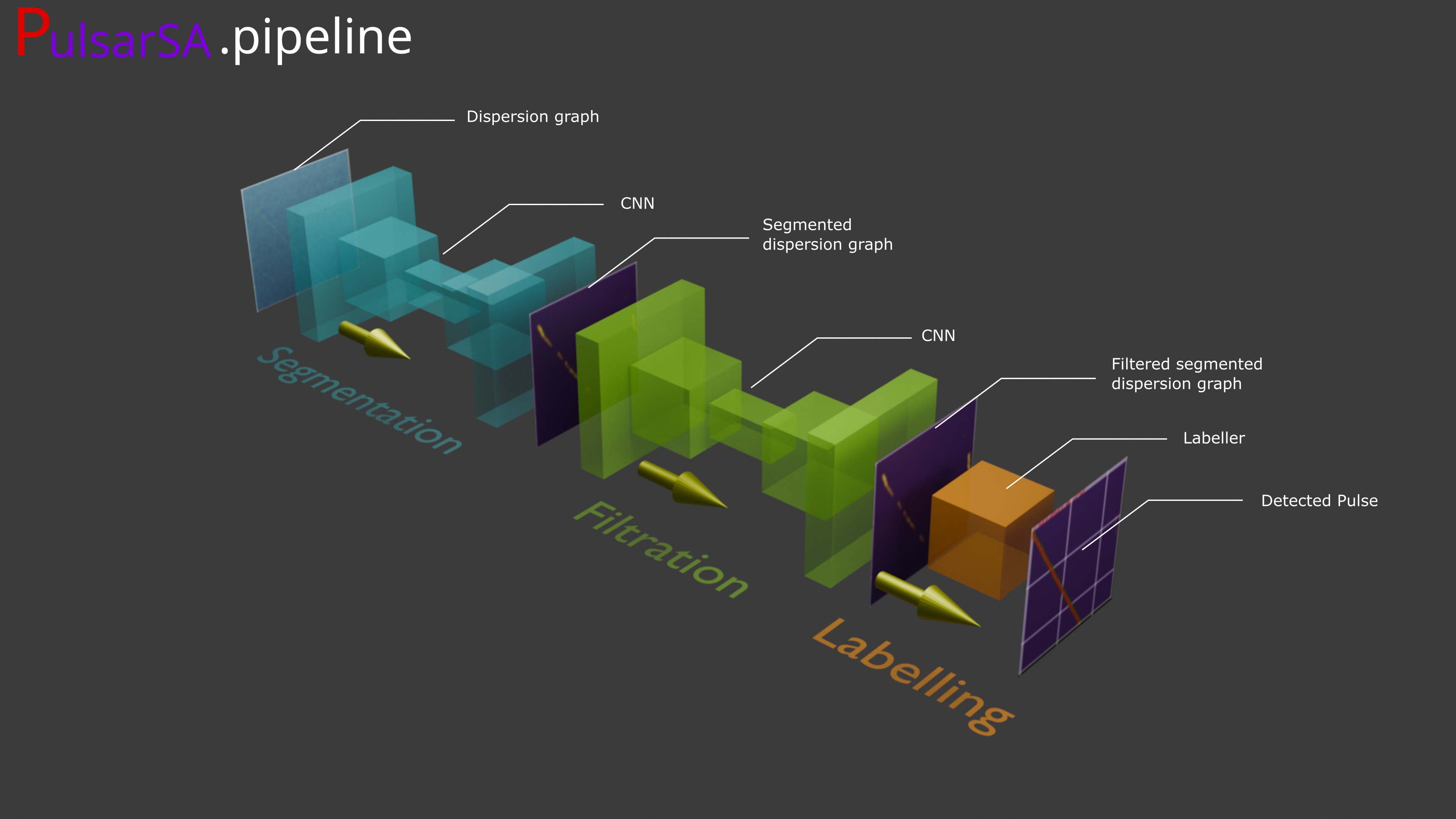
Explore the main modules and functions.
Functions for easy to use pipeline functionalities.
Acknowledgements
We gratefully acknowledge the contributions of the following individuals and institutions:
HTW Berlin and PUNCH4NFDI for project support
Prof. Dr. Hermann Heßling for guidance
Andrei Kazantsev for valuable feedbacks and for providing real data
Collaborations
This project is a joint effort between:
HTW Berlin, Department of Computer Science
PUNCH4NFDI
MPIfRBonn
interTwin
DZA
The code is hosted on GitLab and can be found at: